CelinQ Insights · No. 71
Generating Enterprise Architect Diagrams Automatically from the Model
The model usually knows more than the diagram shows. Closing that gap by hand is tedious enough that most teams stop trying — until the picture no longer matches the thing it claims to describe.
Every Enterprise Architect repository eventually develops a quiet asymmetry. The model — the elements, the relationships, the tagged values, the structure underneath it all — keeps growing as architects do their actual work: adding a component here, wiring a new interface there, recording a decision as a note on an element three packages away. The diagrams, by contrast, are drawn once, in a workshop or during an initial modelling push, and then largely left alone. Redrawing a diagram by hand every time the underlying structure shifts is exactly the kind of task that feels optional in the moment and expensive in aggregate, so it gets deferred. Six months later the diagram that was supposed to be the trustworthy picture of a subsystem is missing three components that were added since, still shows a dependency that was removed in a refactor, and nobody quite trusts it enough to put in front of a client without checking the underlying packages first.
This is not a failure of discipline. It is a structural mismatch between how models grow and how diagrams are made. A model grows incrementally, in dozens of small edits scattered across weeks, made by whoever happens to be touching that part of the architecture. A diagram, in most tooling, is a single artefact that has to be deliberately opened, populated, arranged and saved, and doing that well takes real attention: which elements belong on this view, how they should be laid out so the diagram reads clearly rather than as a tangle, which relationships add information and which just add clutter. Nobody wants to spend that attention every time a single interface gets added to a package that already has a diagram. So the diagram quietly drifts out of date, and the drift compounds, because a diagram that is already slightly wrong is even less appealing to open and fix than one that was never drawn at all.
From an existing model to a new diagram
The premise behind automatic diagram generation in CelinQ is straightforward: the information needed to draw a correct, current diagram of a package usually already exists in the model itself. The elements are there. The relationships connecting them are there. The stereotypes that say what kind of thing each element is are there. What is missing is not information but the labour of turning that information into a laid-out picture, which is exactly the kind of repetitive, rule-governed task that is worth automating rather than doing by hand every time.
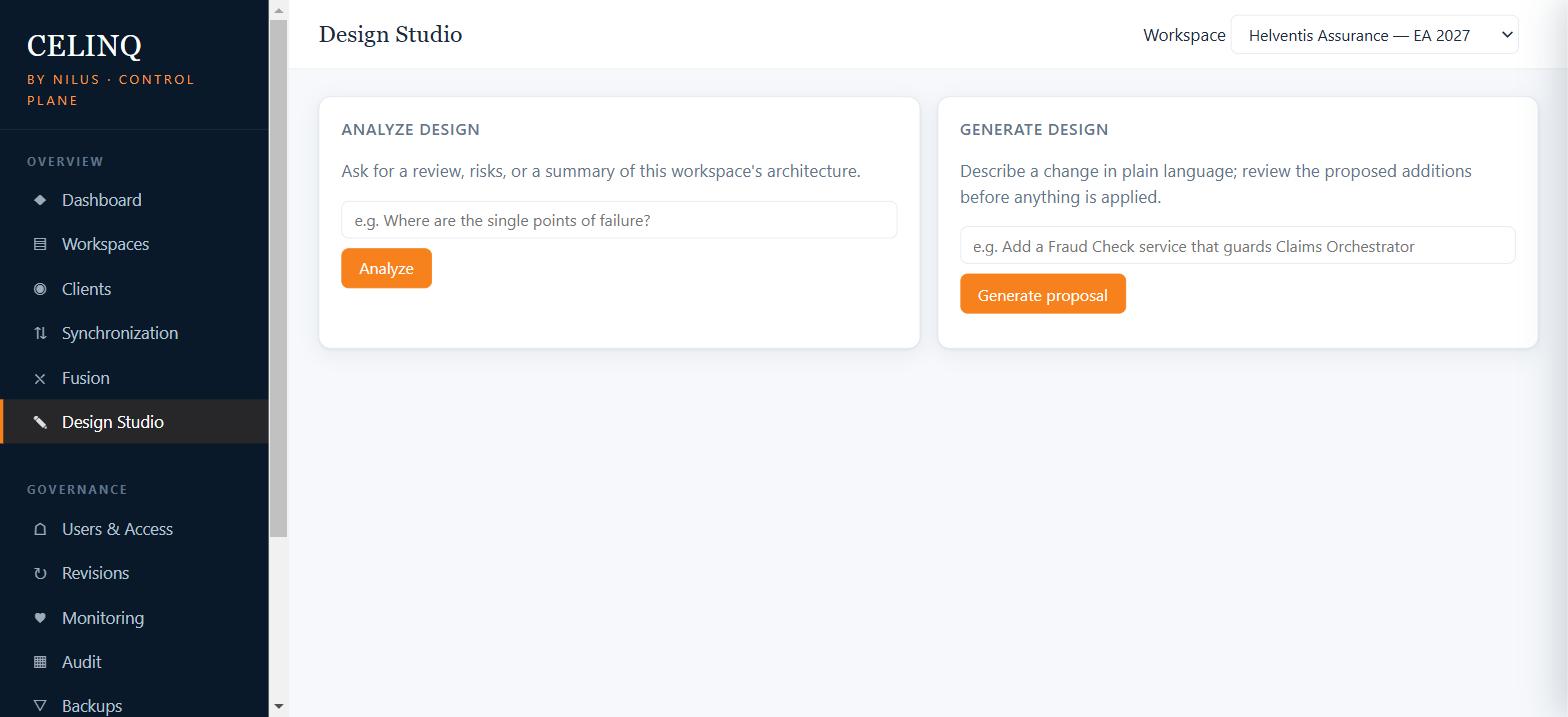
The entry point for this in Enterprise Architect is the CelinQ add-in's Generate into Selected Package menu item, which sits alongside Analyze Selected Package, Ask CelinQ AI, Sync Now, Resolve Conflicts, Status and Connect to Server on the same menu architects already use for synchronisation. You select a package in the Project Browser — the one whose picture is stale, or the one that has never had a diagram at all — and invoke the generator against it. The instruction that follows can be as narrow as "diagram the elements directly in this package and how they connect to each other" or, because the same pipeline that turns natural language into a semantic change set for model generation also drives diagram generation, something more specific: "show me this package's applications and the interfaces they expose to the outside, but leave out anything purely internal." Either way, the starting point is the existing model, not a blank canvas, which is the detail that makes the whole idea worth having: you are not asked to describe an architecture from scratch, only to describe which slice of an architecture that already exists deserves a picture.
Choosing what the diagram is about: scope and viewpoint
A diagram that tries to show everything shows nothing usefully. The first real decision in generating one automatically, then, is scope: which part of the model is this diagram allowed to draw from. Scoping by package is the natural default, because packages are already how most EA repositories organise related concerns, and starting the generator from a selected package means the scope question is half-answered before you type a word. From there the scope can be narrowed further — a single package without its sub-packages, a package and everything beneath it, or a package plus the immediate neighbourhood of elements it connects to outside its own boundary, which is often what you actually want when the interesting story is how a subsystem talks to the rest of the landscape rather than what sits inside it.
Sitting next to scope is viewpoint: not just which elements are in play, but what kind of picture is being asked for. A component diagram, an interface diagram, an ArchiMate application-layer view and a technology-layer view all draw on overlapping sets of elements but tell different stories, and the generation step needs to know which story it is being asked to tell so that it selects the right element types, the right stereotypes and the right relationship kinds for that viewpoint rather than dumping every fact it can find onto one canvas. This is the pattern the generation pipeline is built around: a scoped, viewpoint-aware selection from the existing model, rather than an unscoped dump that produces a diagram nobody can read. The exact menu of viewpoints and how finely they can be tuned is naturally something that grows over time as the product is used against real repositories, but the underlying discipline — pick a scope, pick a viewpoint, generate from what already exists — is the constant.
Choosing entity types and filtering relationships
Even within a well-scoped package, not every element type belongs on every diagram. A package that models an application component will typically also contain requirements, notes, and perhaps a handful of interface definitions, and a diagram meant to communicate the component's structure to another architect does not usually benefit from every requirement cluttering the canvas alongside it. Entity-type selection lets the generation step include only the kinds of elements relevant to the diagram's purpose — components and interfaces for a structural view, requirements and their traceability links for a requirements view — rather than forcing a single undifferentiated rendering of everything a package contains.
Relationships need the same discipline, arguably more so, because relationships are what make a diagram either clarifying or overwhelming. A component in a moderately connected architecture can easily participate in a dozen or more relationships once you count dependencies, realisations, associations, generalisations and the various flavours of ArchiMate connector. Drawing every one of them onto a single diagram produces the kind of picture that looks impressive in a screenshot and is unreadable in a review. Relationship filtering — by relationship type, by whether both ends of the relationship fall within the chosen scope, or by relevance to the chosen viewpoint — is what keeps a generated diagram legible rather than merely complete. The honest goal is not to show everything the model knows. It is to show the subset of what the model knows that answers the question the diagram was generated to answer.
Layout, placement and the limits of an automatic hand
Once the right elements and relationships have been selected, something still has to decide where each shape sits on the canvas and how each connector is routed between them, and this is the part of diagram generation that is genuinely difficult to get right in general. A layout strategy that places elements in a grid is predictable and legible for small, simple diagrams but starts to look arbitrary once relationships cross the grid in ways that obscure rather than reveal structure. A layout that tries to cluster related elements and minimise crossing lines produces better pictures more often, but "better" is doing a lot of work in that sentence, because what counts as a clear diagram is partly a matter of convention and partly a matter of what the specific reader already understands about the domain.
The practical position CelinQ takes is that deterministic placement rules — grouping elements by package or by stereotype, laying out hierarchies top-down, keeping directly connected elements near each other, routing connectors to avoid unnecessary overlap — do most of the work reliably and reproducibly, and that the result is a genuine starting point rather than a finished diagram you are obliged to accept as-is. Automatic layout has never claimed to replace an architect's own sense of what a diagram should emphasise; it exists to remove the mechanical cost of the first pass, the part where you are dragging boxes around a blank canvas just to get something on the page, so that whatever manual adjustment an architect wants to make afterwards starts from a reasonable arrangement rather than an empty one.
Where AI-assisted grouping earns its place
Deterministic layout answers the mechanical question of where things go once you know how they should be grouped. It does not, on its own, answer the harder question of what the meaningful groupings are in the first place — which elements, of everything in scope, actually belong visually near each other because they form a coherent sub-story within the diagram. That is a more interpretive judgement, closer to the kind of thing an architect does instinctively when sketching a diagram from memory, and it is where an optional AI-assisted step can add something a purely rule-based layout cannot: a proposed grouping based on how elements are named, how densely they are interconnected, and what the diagram's stated viewpoint is asking to be emphasised.
The pipeline this runs through is the same one used across every AI feature in the product, and it is worth stating plainly because it is the detail that makes AI-assisted diagram generation trustworthy rather than alarming: the architect's instruction goes to CelinQ, which retrieves the relevant model context — the package, its elements, its relationships, whatever scope was set — and only that context is used to propose a semantic change set: which elements to include, how to group them, what the diagram should look like. CelinQ then validates that proposal deterministically against the actual model before anything is created, a human reviews it, and only after approval does a diagram actually get written into a canonical revision that synchronises down to EA through the add-in. AI never touches raw repository rows and never commits a diagram nobody has looked at. Deterministic layout and AI-assisted grouping are not competing approaches so much as two tools with different jobs: one places shapes correctly given a grouping, the other proposes a grouping worth having, and the second is always optional — a diagram generated purely by the deterministic rules, with entity types and relationship filters chosen by hand, is a complete and legitimate outcome on its own.
A generated diagram is not a finished deliverable. It is a correct, current starting point that took no manual placement effort to reach — which is precisely the effort that used to be the reason nobody redrew the diagram in the first place.
Preview before anything is created
None of this writes directly into your Enterprise Architect repository. Whatever scope, viewpoint, entity filter and layout the generation step arrives at is presented as a preview before a single diagram object exists in EA. This matters for the same reason it matters throughout CelinQ's AI-assisted features: a proposal is not a commitment, and the architect who asked for the diagram is the one who decides whether what came back is actually useful before it becomes part of the model's canonical history. If the scope was too wide and the picture is cluttered, you narrow it and regenerate. If a relationship type that seemed relevant turns out to add noise rather than clarity, you filter it out and try again. The preview step turns diagram generation into an iterative conversation with the model rather than a single irreversible action, which is exactly the property you want from something that is, after all, only automating the first draft.
Once a generated diagram is approved, it becomes a normal Enterprise Architect diagram in every respect that matters afterwards. It lives in the package where you generated it, it can be edited by hand like any other diagram, and it participates in semantic synchronisation and Fusion's conflict handling exactly like every other model fact — including the honest case where two people generate or hand-edit diagrams from overlapping scope at the same time and the platform has to reconcile the geometry, which is the same object-geometry merge logic used across the rest of the product rather than something diagram generation invents specially for itself.
Re-running after the model changes
The point of generating a diagram automatically rather than drawing it once by hand is not the time saved on the first pass, welcome as that is. It is that the same generation step can be re-run later, against the same scope and viewpoint, once the underlying model has moved on. A package that gained two new components and lost an interface since the diagram was last drawn does not need someone to remember to update the picture manually; it needs someone to re-run the generation with the same parameters and get back a diagram that reflects the current state of the model, with the same layout discipline applied consistently rather than reinvented from scratch each time.
This reframes what a diagram is, in a small but real way. Instead of being a one-off artefact that is accurate on the day it was drawn and progressively less accurate afterwards, a generated diagram becomes something closer to a saved query against the model: a scope, a viewpoint, a set of filters, that can be replayed whenever the picture needs refreshing. The manual edits an architect makes afterwards — moving a box for emphasis, adding an annotation, adjusting a connector's route for readability — are not thrown away lightly on a re-run; the generation step is meant to update what changed in the underlying model rather than blow away everything and start over, though any regenerate-from-scratch action always goes through the same preview step before it touches the diagram that already exists. The practical effect, over the life of a repository, is that the packages an architect bothers to keep diagrams for stop being the ones somebody had time to redraw and start being simply the packages worth having a current picture of.
AI is optional here too
It is worth being explicit that diagram generation does not require AI at all, and that this is a deliberate property rather than an oversight. Scope selection, viewpoint choice, entity-type filtering, relationship filtering and deterministic layout are all rule-based operations that run against the model directly; they do not call an external service, and they work identically whether or not AI assistance has ever been configured for a workspace. The optional AI-assisted grouping step sits on top of that foundation as an enhancement, not a dependency, and like every AI capability in the product it is off by default, is enabled explicitly by an administrator in the Control Plane, requires no external call for the core synchronisation and conflict-handling machinery that underpins the whole platform, and can be left disabled entirely in a sovereign workspace that has no external AI path at all. A restricted government or defence workspace can generate diagrams from the model all day, using scope and viewpoint and deterministic layout exactly as described above, without a single request ever leaving the organisation's own infrastructure.
Everything a generated diagram shows was already true of the model before the diagram existed. Generation does not add information; it only removes the labour of turning information that already exists into a picture someone can read at a glance.
The honest limits
Automatic generation is not a substitute for an architect's editorial judgement about what a diagram is for. A generated component diagram will faithfully show every component and connection within the chosen scope, but it cannot know that, for this particular audience, three of those components are implementation detail that would be better folded into a single box, or that the diagram's real purpose is to make one specific dependency visually obvious even at the cost of hiding others. That kind of emphasis is a communication choice, not a structural fact, and no amount of deterministic layout or AI-assisted grouping replaces the moment where a human architect looks at the generated result and decides what actually needs to be said. The tool's job is to remove the mechanical cost of getting to that starting point, not to make the editorial decision on your behalf.
There is also a real risk worth naming plainly: a tool that makes diagrams cheap to produce can produce too many of them, each technically accurate and each adding to the pile a reader has to sift through to find the picture that actually answers their question. Cheap generation is not, by itself, an argument for generating a diagram for every package in a large repository; it is an argument for generating diagrams where they earn their place and re-running them where the model has genuinely moved, which is a discipline the tool makes easier to follow, not one it enforces automatically. And because a generated diagram's layout is a proposal rather than a guarantee of visual clarity, complex packages with dense interconnection will sometimes produce a first pass that still needs real manual tidying before it is fit to put in front of a client — which is a fair trade against redrawing the whole thing from nothing, but it is not the same as a promise that every generated diagram will already be perfect. Readers evaluating any vendor's diagram-generation claims, CelinQ included, should ask to see the actual output against a real, moderately complex package before taking clean, effortless diagrams on faith.
Finally, generation is bounded by what the model actually contains. A package that is thin on relationships — components sitting in isolation because nobody has yet recorded how they depend on one another — will produce a thin, honest diagram rather than a richer one the generator invents to compensate. That is the correct behaviour, even when it is disappointing: a diagram is only as informative as the model beneath it, and no layout strategy, deterministic or AI-assisted, can show a dependency that was never captured as a model fact in the first place. In that sense, automatic diagram generation does something useful beyond saving drawing time. A package that keeps producing sparse, unconvincing diagrams every time it is regenerated is quietly telling you that the model itself, not the picture, is the thing that needs attention — a signal worth listening to that a hand-drawn diagram, filled in from memory rather than from what the repository actually records, would have hidden.
Recognise this in your own team? Get in touch — we’re happy to talk through whether CelinQ fits, no pressure either way.